CS2 Stream Deck plugin
Your CS2 game on your Stream Deck: bomb timer, HP and money in real time, FACEIT Elo and Premier on a key, your stream widgets one press away. Free.
What the plugin does
The PlayerCards plugin (version 1.2.0) adds a PlayerCards category to the Stream Deck app. It covers three jobs at once: reading CS2 live on your PC, showing your numbers from your PlayerCard, and controlling your stream.
Game values like the bomb timer come straight from CS2 on your own PC through Valve’s game state integration. They never leave your computer and need no account. Everything else talks to your PlayerCards account after a one-time pairing.
Step 1: install
Needs the Stream Deck app 7.1 or newer on Windows 10+ or macOS 13+.
- In the Stream Deck app open Marketplace (Elgato Marketplace), search for PlayerCards and click Install.
- Not listed for you yet? Use the direct download from the detail guide and open the file; the Stream Deck app installs it by itself.
- The PlayerCards category now shows in the action list on the right.
Step 2: pair once
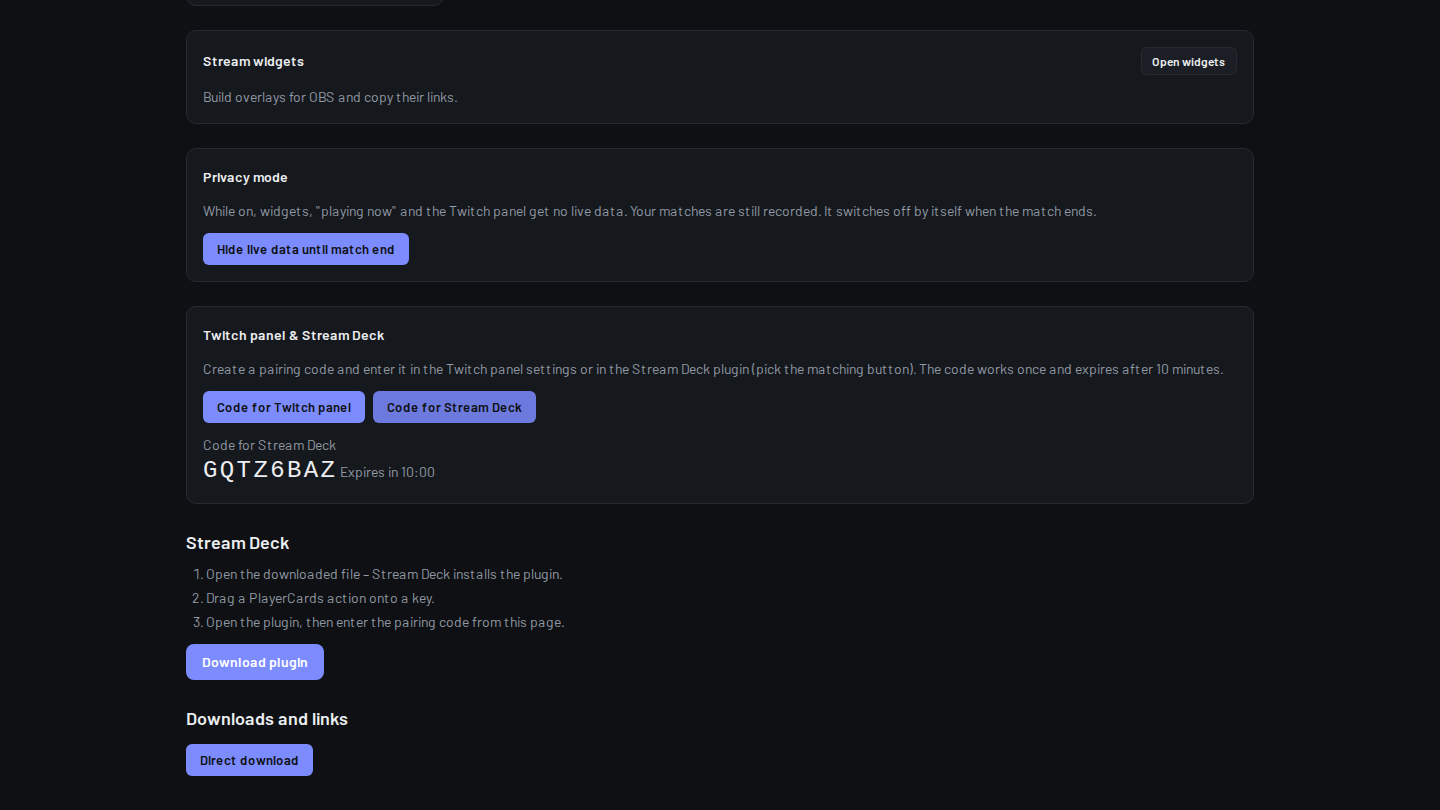
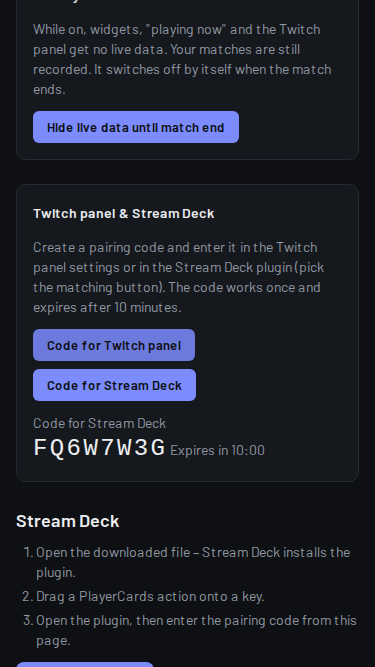
Player value (local) works without pairing. The code works once and expires after 10 minutes.
- Sign in on player-cards.app with Steam, open your Creator hub and click “Code for Stream Deck”.
- Drag any PlayerCards key onto your deck and click it; the settings panel opens below.
- Type the 8-character code into “Pairing code” and click “Pair”. “Connected.” means you are done.
Step 3: CS2 keys that read your game
Player value (local): drag it on a key and pick what it shows: Bomb timer, Round time, Phase, HP, Armor, Money, Equipment value, Utility, Round kills, Round damage, K/D/A, MVPs, Score, Map or Match score.
On its first start the plugin writes its own config file into your CS2 cfg folder. Restart CS2 once after that, then the keys fill in as soon as you are in a match.
Thresholds turn a key into an alert, for example red and blinking when HP drops below 30.
Step 4: your stats and your stream
Live value: Elo, FACEIT session, K/D, Score or GSI status from your PlayerCard. Press opens your card. On Stream Deck + use Live value (dial) on the touch strip.
Widget, Show card, Widget theme and Widget opacity (dial): switch your OBS widget on or off, jump to the next view, play an animation, show your card for a few seconds, change the colour theme or fade it.
Privacy hides your live data until the match ends. Reset FACEIT session starts Elo today from zero. Copy card link puts your card link into the clipboard for chat.
Twitch prediction starts, locks or cancels a prediction on your channel. Skip viewer card skips the channel-points viewer card. Status stays calm and only blinks when something needs you.
A good first layout
Stream Deck MK.2 (15 keys): top row Bomb timer, HP, Money, Round kills, K/D/A; middle row Live value Elo, Live value FACEIT session, Privacy, Widget Next view, Show card; bottom row Twitch prediction Start and Lock, Skip viewer card, Copy card link, Status.
Stream Deck +: two Live value dials (Elo, K/D), one Widget opacity dial, and Status on a key above.
FAQ
Is the CS2 Stream Deck plugin free?
Yes. The plugin, the local game values and the account features are free.
Is reading CS2 allowed? Can it get me banned?
The plugin uses game state integration, a feature Valve built into CS2 for overlays and tools. It reads what CS2 sends out and changes nothing in the game.
Does it work with FACEIT running?
FACEIT keys (Elo, session) work always. While the FACEIT client runs on Windows, the local game keys show “FACEIT off”.
Which Stream Deck models are supported?
Every Stream Deck that runs the Stream Deck app 7.1 or newer, including Mini, MK.2, XL, Neo and Stream Deck + with dials and touch strip.